Downloading Your First Program#
The Evo library comes with example program that you can use to help you get started on using the features of the Evo.
EvoBasic#
Open the EvoHC05.ino program
Arduino
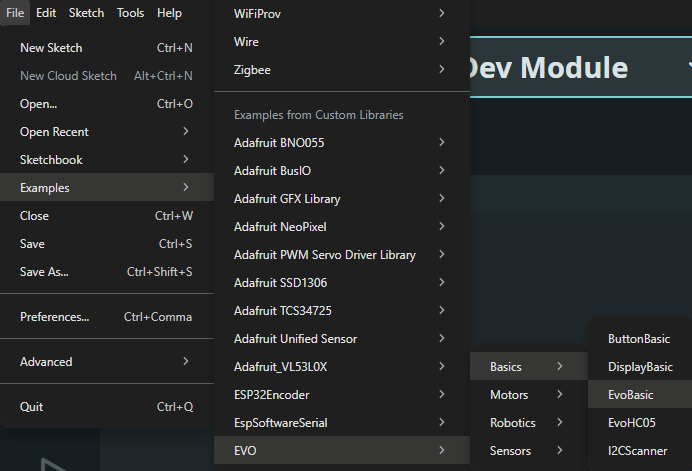
Click on File Examples EVO EvoBasics EvoBasic
Click on the upload button on the top left corner to upload your program
Note
The first compile and upload for each Arduino sketch will take the longest. Subsequent compilation will be faster as the compiler uses the already compiled libraries for upload.
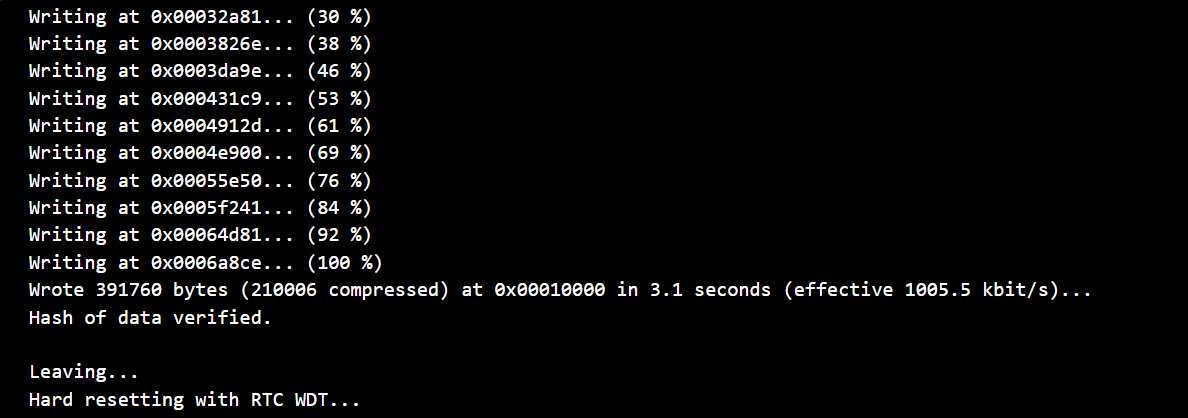
When upload is complete you should see the following
PlatformIO
The
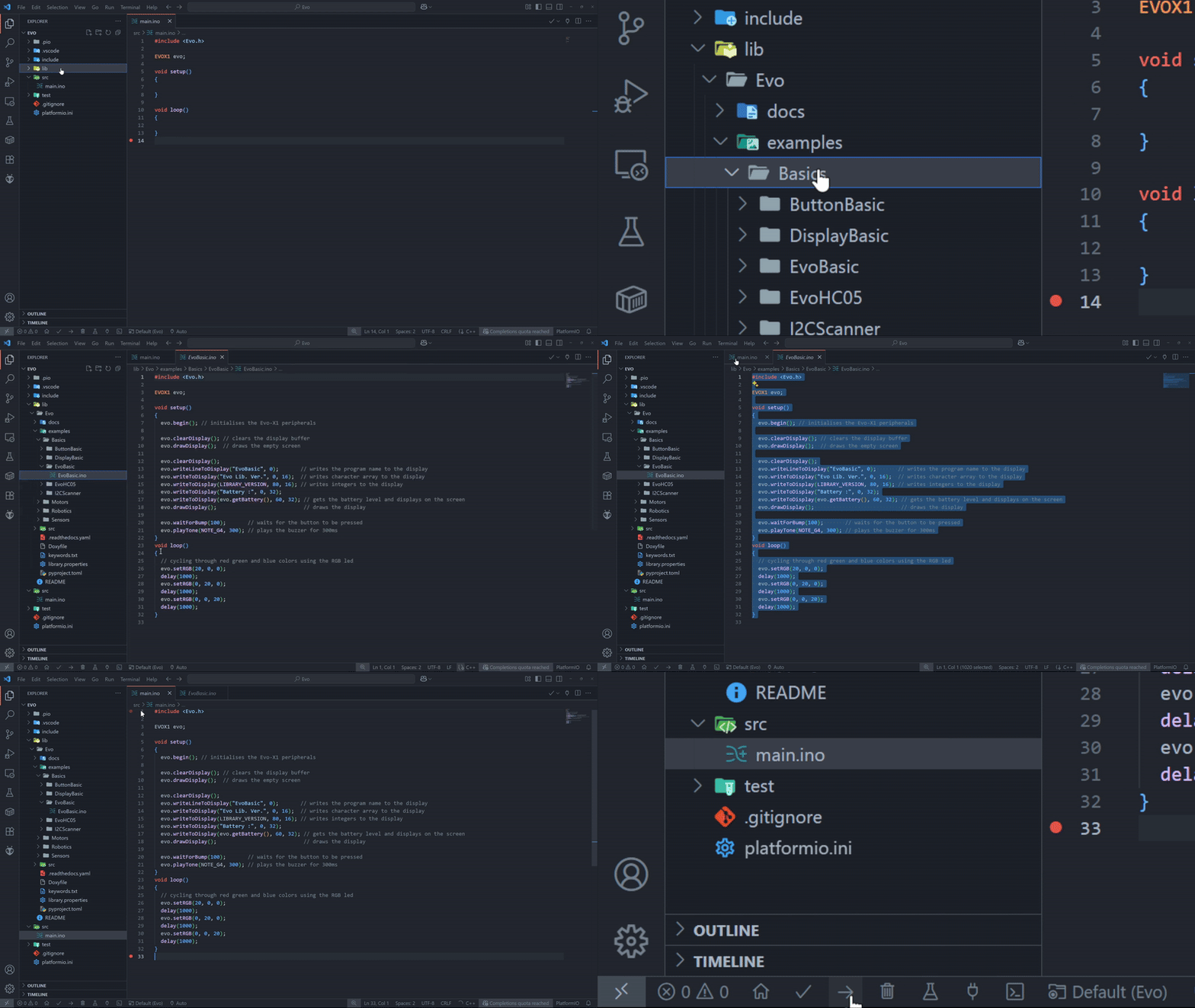
EvoBasic.inocan be found underlib/Evo/examples/basic/EvoBasicCopy & paste the program into the
main.inoin thesrcfolder
Important
PlatformIO compilies the programs only in the src folder. If you wish to use example programs, copy & paste them inside the src/main.ino.
Upload the program using the PlatformIO IDE Toolbar located in the left corner. It contains quick access buttons for the popular commands.
PlatformIO: Home
PlatformIO: Build
PlatformIO: Upload [Select This]
PlatformIO: Clean
PlatformIO: Serial Monitor
Set Port

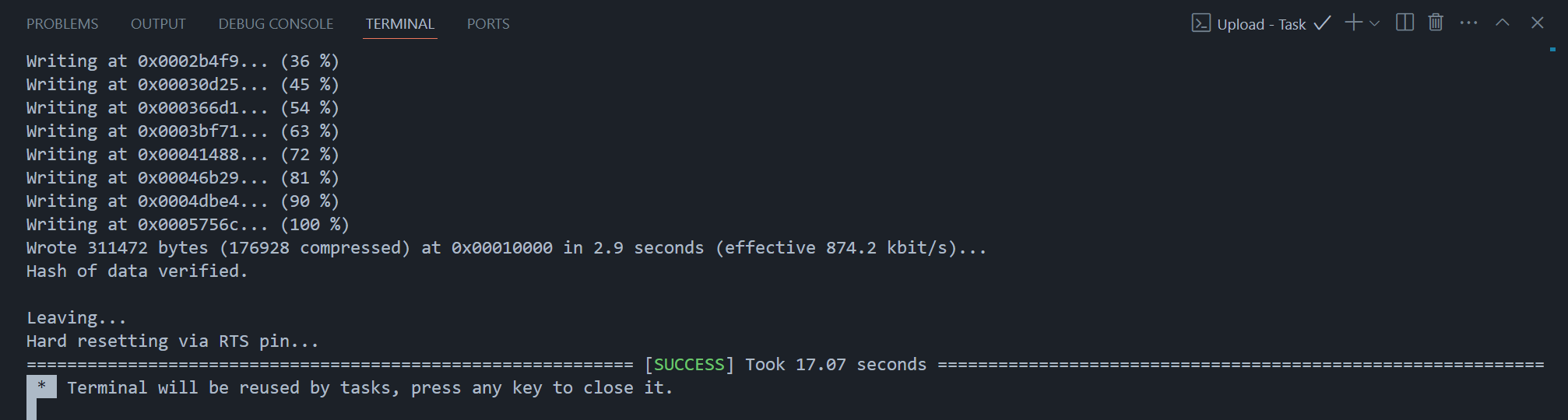
When upload is complete you should see the following
EvoHC05#
Want to wirelessly connect your Evo? You can achieve this by connecting via Bluetooth. A guide on how to enable Bluetooth is explained here using the EvoHC05.ino program.