Arduino IDE#
The Arduino IDE 2 is an improvement of the classic IDE, with increased performance, improved user interface and many new features, such as autocompletion, a built-in debugger and syncing sketches with Arduino Cloud.
Note
You will need to use Arduino IDE 2.X to program the EVOX1. If you are using Arduino IDE 1.X, you will not be able to program the EVOX1.
IDE Installation#
Go to the official Arduino IDE download page
Download the version for your operating system:
Windows:
.exeinstaller or.zip(portable version)Mac:
.dmginstallerLinux:
.AppImageorpackagefor your distribution
Install Arduino IDE by following the on-screen instructions
If you do not have git installed or see the following error when trying to install the library:
UserSideException: Please install Git client from https://git-scm.com/downloads_ and make sure to add it to your system PATH during installation.
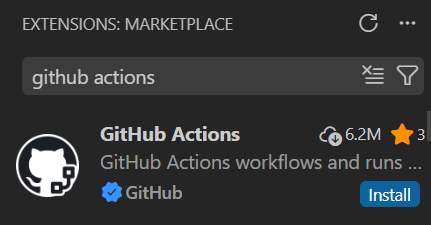
Look for the Github Actions extension in VSCode to install git on your system.
Board Installation#
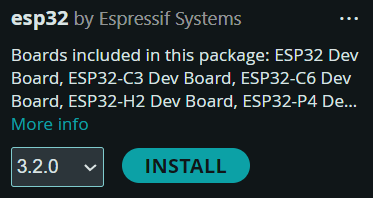
Open the Boards Manager from the left panel
Search for “esp32”
Install esp32 by Espressif Systems board
Library Installation#
Go to to the Evo Github Releases Page
Download the Source code
.zipunder Assets from the latest release.In ArduinoIDE:
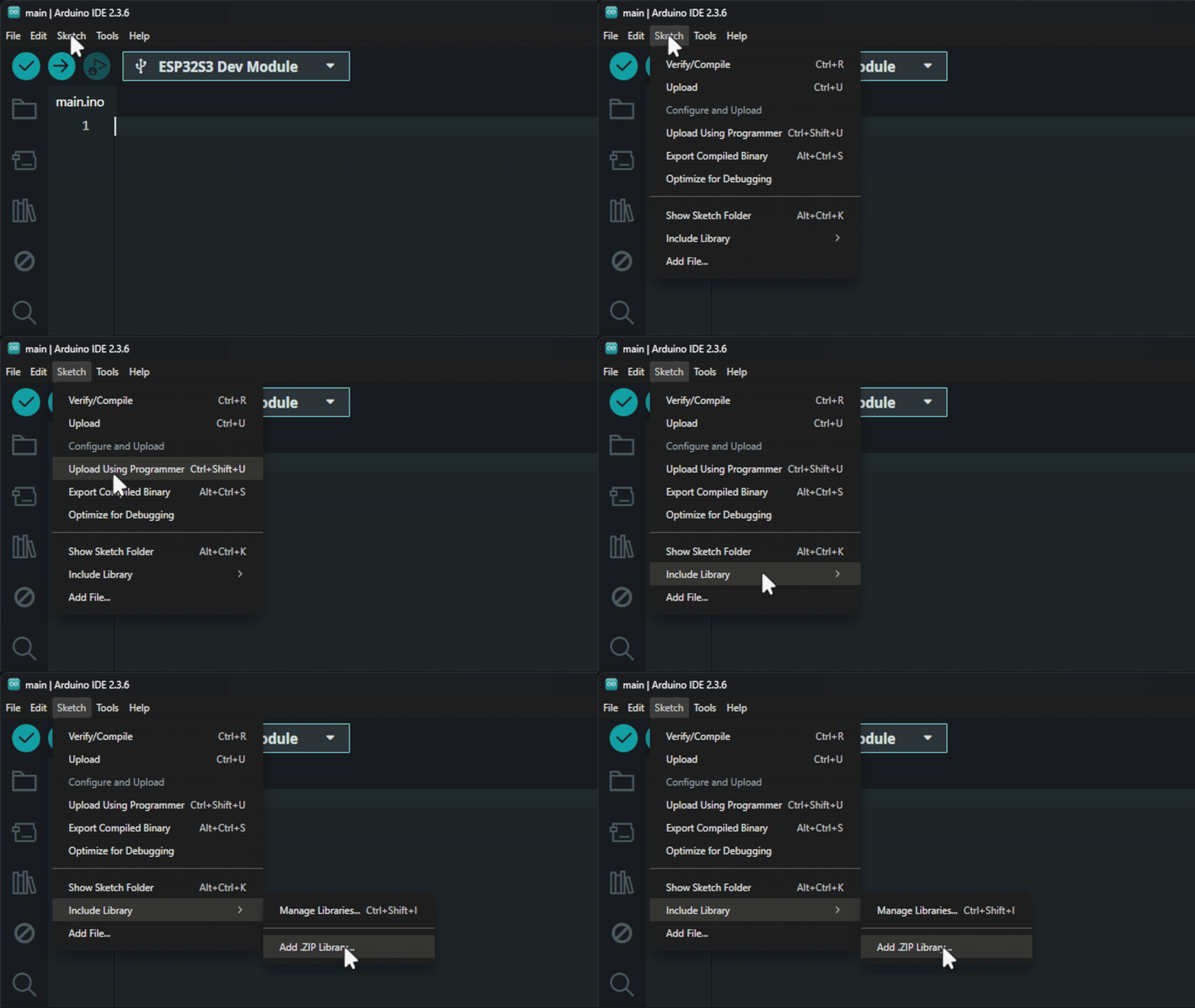
Click on Sketch on the top left bar
Include Library
Add
.zipLibrary andSelect the file just downloaded.
Updating EVO Library#
To update the EVO library when there is a new relsease available repeat the steps in Library Installation and the library will be overwritten.